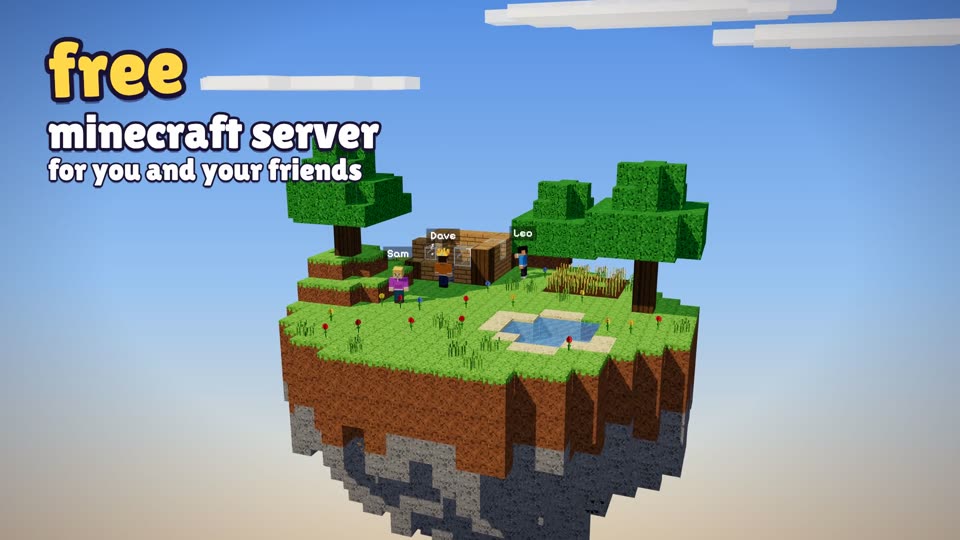
Make a shared world
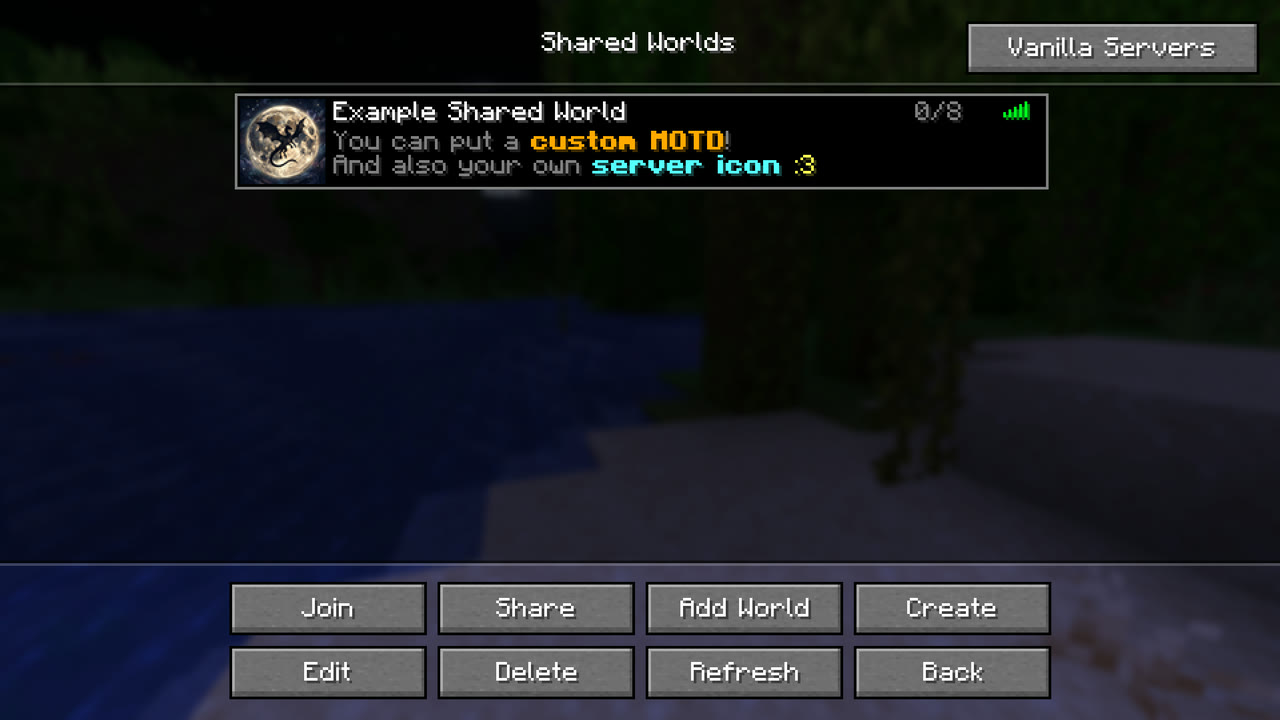
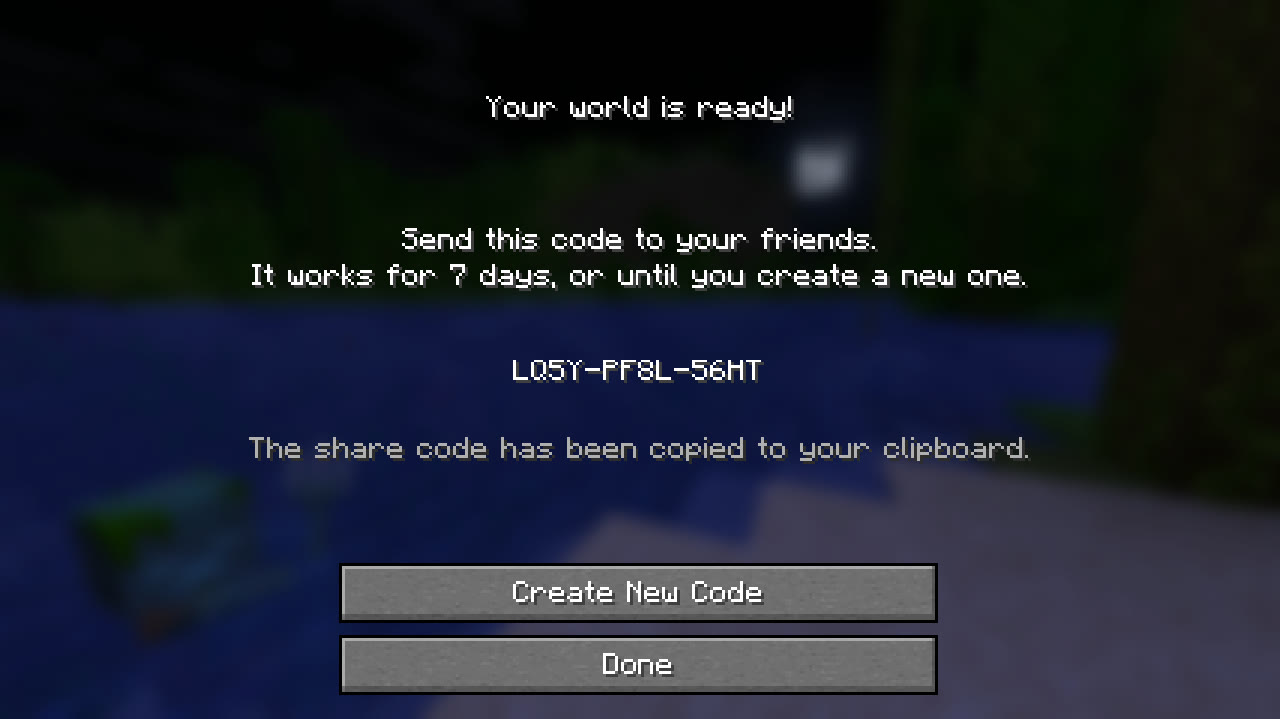
Start a new one or pick any of your singleplayer worlds, then send your friends the invite code.
 SharedWorld
Your world saves to your own Google Drive. Whoever's online hosts it, and when they log off, someone else picks it up and you all keep playing.
Free and open source. Fabric and NeoForge, Minecraft 1.20.1 up to 26.3.
Normally a world lives on one person's PC, and when they're not around nobody can play. With SharedWorld, anyone in the group can open it.
Start a new one or pick any of your singleplayer worlds, then send your friends the invite code.
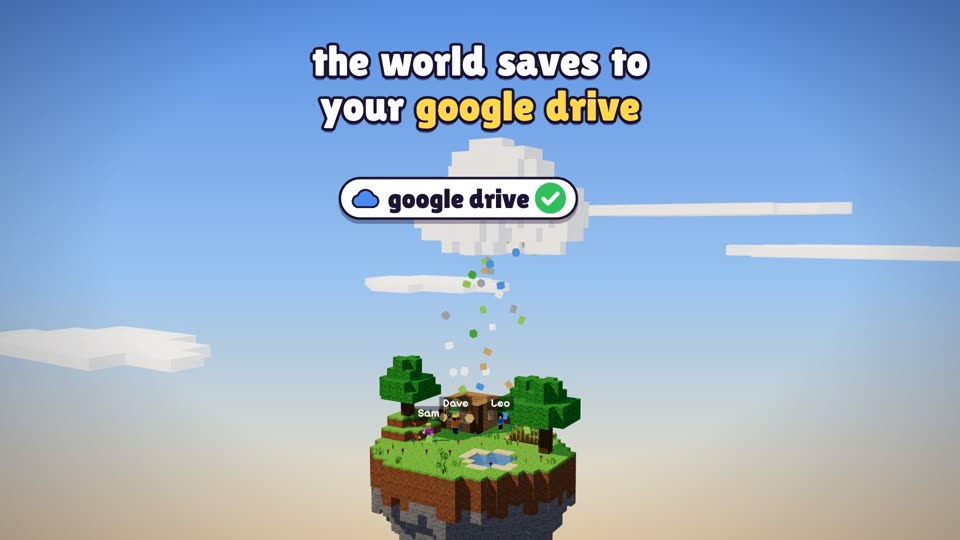
The world saves to your own Google Drive (or your own S3 bucket) while you play, so it never depends on one computer.
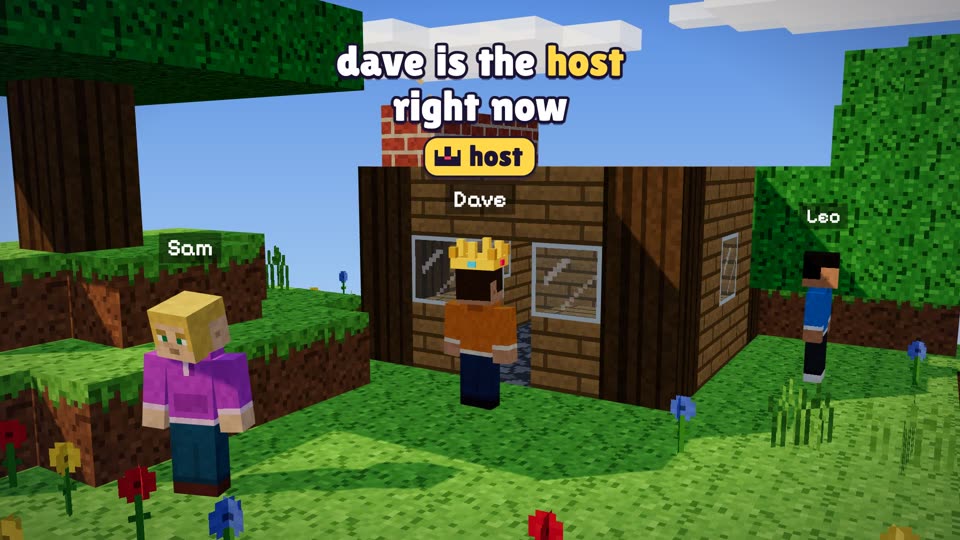
Open the world and you're the host. Friends join you from their Shared Worlds menu, no IP addresses or port forwarding.
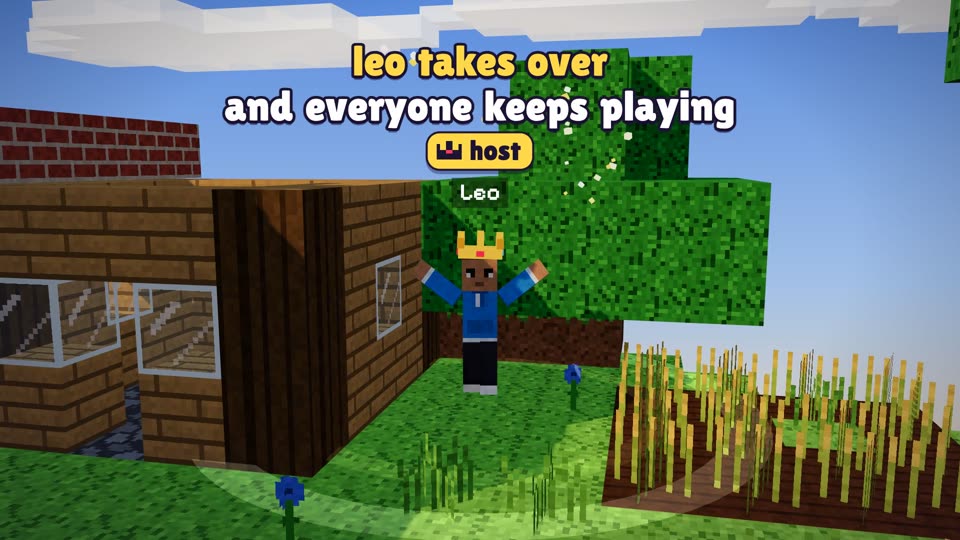
When the host logs off, one of the others becomes the host and the world carries on right where it was.
Fabric and NeoForge. If a friend is missing a mod the world uses, SharedWorld warns them before they host.
Every save from the last hour, then one an hour for two days, one a day for a month and one a month after that. Restore any of them from the world's settings.
The world lives in your Google Drive, or in any S3-compatible bucket you own (Cloudflare R2, Backblaze B2 and the like).
Friends connect through e4mc automatically. Already on Tailscale or Radmin? Use your own address instead.
Give the world its own icon and a colorful message of the day, just like a server in your list.
Decide who in the group gets to use commands. The owner always can, whoever is hosting.
Yes. The mod is free and open source, and the world lives in your own Google Drive, whose free space is plenty for most worlds (the average one takes under 3 GB with its backups). There's no server to rent.
No. Anyone in the group can open the world whenever they want, alone or with whoever's around. If someone is already hosting, you just join them.
The world is saved to the cloud while you play, so nobody loses it. The next host starts from the latest save, and anything the crashed host hadn't uploaded yet goes up the next time they open the world.
Fabric: Minecraft 1.20 and 1.20.1, 1.21 and 1.21.1, 1.21.6 up to 1.21.11, and 26.1 up to 26.3.
NeoForge: 1.21 and 1.21.1, and 1.21.6 up to 1.21.11.
Everyone in a world should be on the same version. If someone hosts on a different one, SharedWorld tells them first.
The same Minecraft version, SharedWorld, and Fabric API if you're on Fabric. Also e4mc, unless your group connects through its own address (like a Tailscale VPN). And the same mods your world uses.
Yes. When you create a shared world, pick any of your singleplayer worlds and it gets uploaded as the starting point.
Yes, a Java Edition account. SharedWorld signs you in with it, so offline or cracked launchers don't work.
Install the mod, sign in with your Minecraft account and send your friends the code. It takes a couple of minutes.
Download on Modrinth